
How do you update old content so AI will cite it?
By Steven Arevalo5 min read
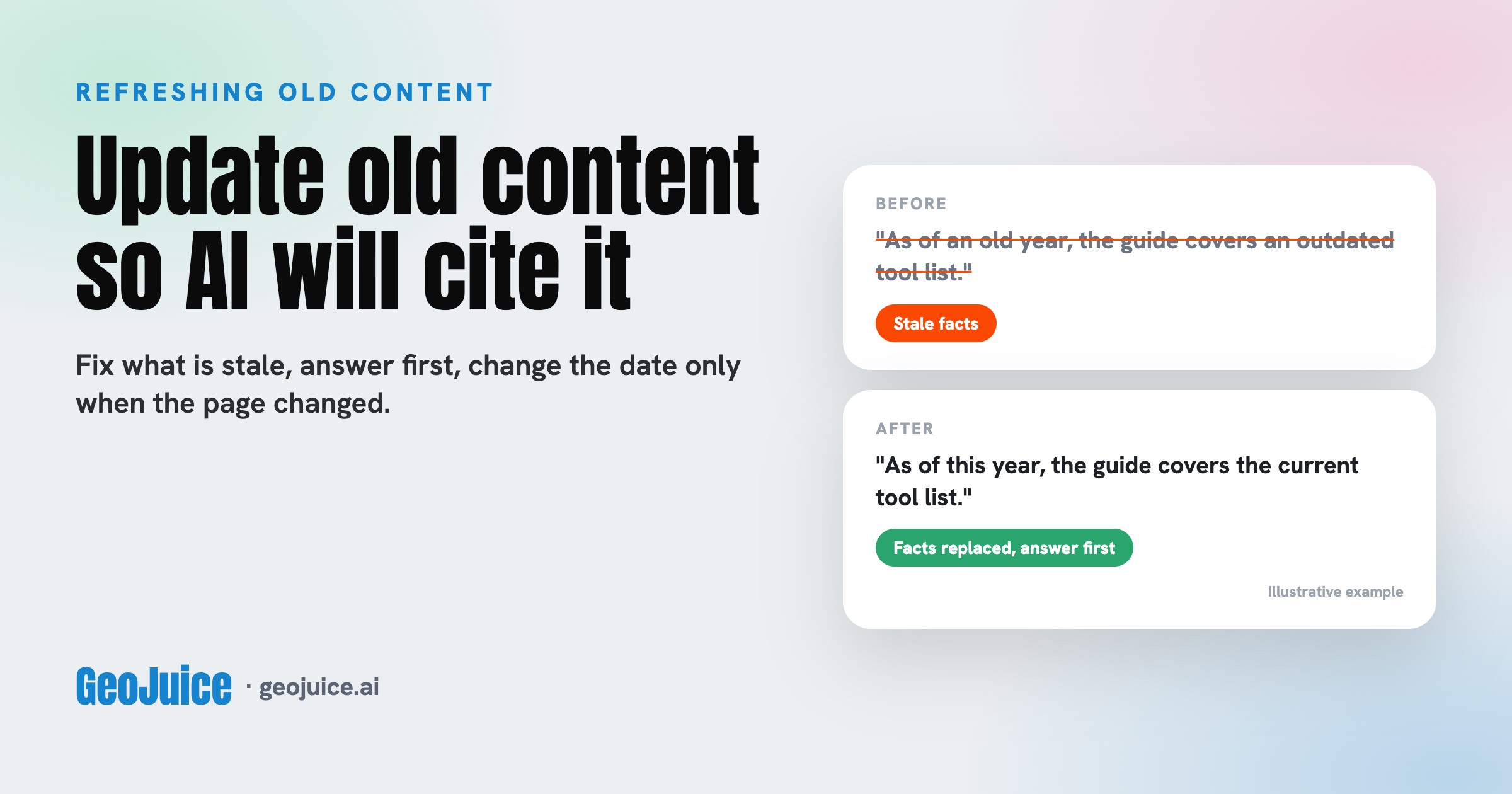
To update old content so AI will cite it, pick the pages that should answer your buyers' questions, replace every stale fact, put the answer first under each heading, and change the visible date only when the page really changed. Keep the same address, then re-ask the AI questions you track once engines have re-read the page. A new date on unchanged text is not an update. Nobody can promise a citation, so judge the result across the full set of AI questions you track.
Does updating old content help it get cited by AI?
Generative engine optimization (GEO) is the work of getting AI answer engines to name and cite your site. Old pages can stop earning citations when their facts go stale.
Ahrefs' research found that pages cited by AI assistants tend to be newer than the pages ranking in Google results. Nobody can prove that an update alone causes a citation, because engines do not publish how they weigh dates. But a page that is wrong or out of date gives an engine a reason to cite something else. So update because the page is out of date or thin, not because of the date on it.
1. Pick the old pages worth updating
Start with the pages that should answer your buyers' questions. Your log of buyer questions where AI names a rival and not you, from finding where competitors beat you in AI answers is the best list, because each row names a page that is losing. Run your free GeoJuice scan too. It reads your homepage and a sample of other pages and gives a GEO score on the 0 to 100 GEO Index across six signals, with no email needed to see it. It measures readiness, not citations, but it shows which readiness signals are weak across the pages it reads.
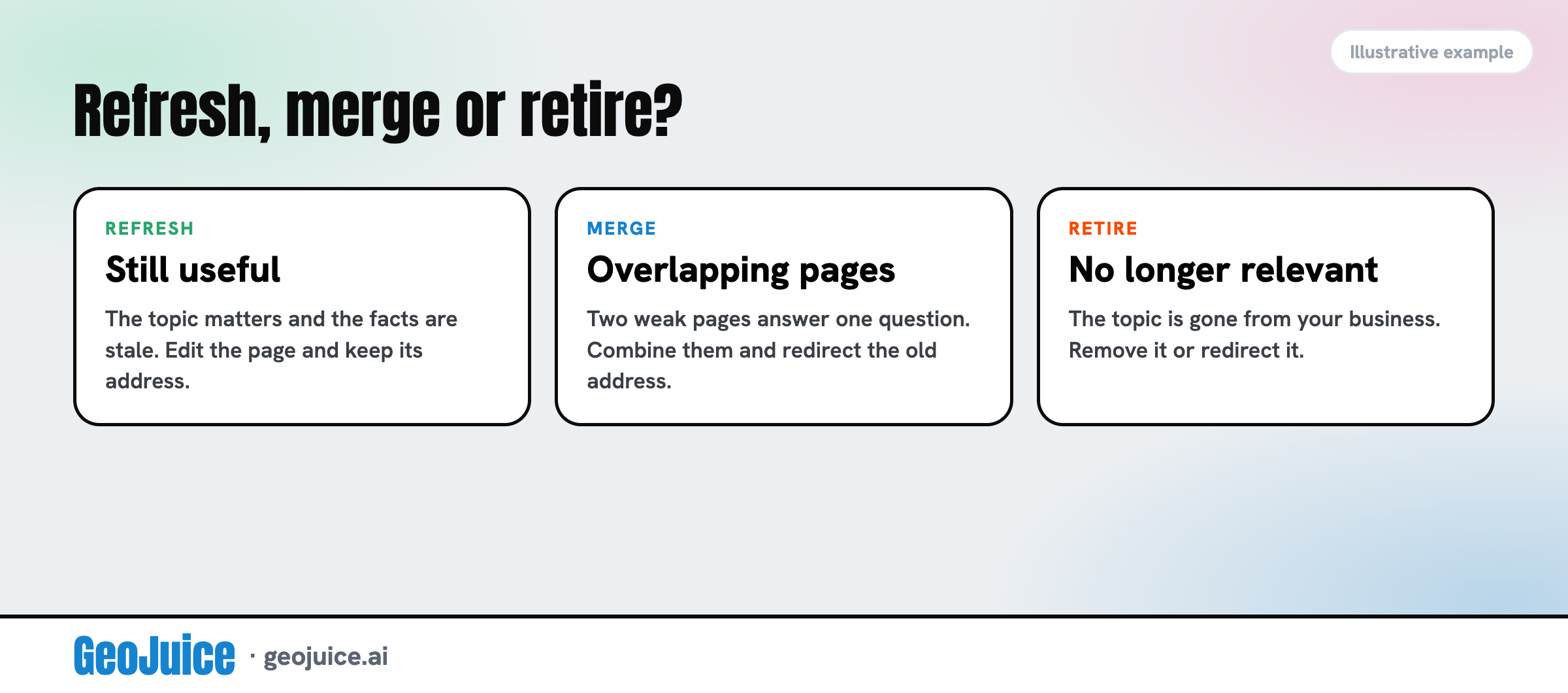
Not every old page deserves an edit. If two weak pages answer one question, merge them into one stronger page and redirect the old address to it. A redirect is an automatic forward from an old address to a new one. If a topic no longer matters to your business, retire the page instead of polishing it.
2. Replace every fact that has gone stale
Read the page as a skeptical buyer would. Replace out-of-date figures, product names, steps and screenshots. Swap links to sources that a newer source has replaced. Where a claim depends on time, say when it was true, such as “as of this year.” Keep the claims you can support and cut the ones you cannot. Typical stale facts are a pricing tier you renamed, a tool you no longer sell, or a screenshot of an old dashboard.
3. Put the answer first under each heading
Make each heading a question a buyer would ask, then answer it in the first one to three sentences. Move background and caveats below the answer. Check that every heading makes sense on its own, because an engine may lift one section without the rest of the page. This also helps human readers who skim.
4. Change the date only when the page changed
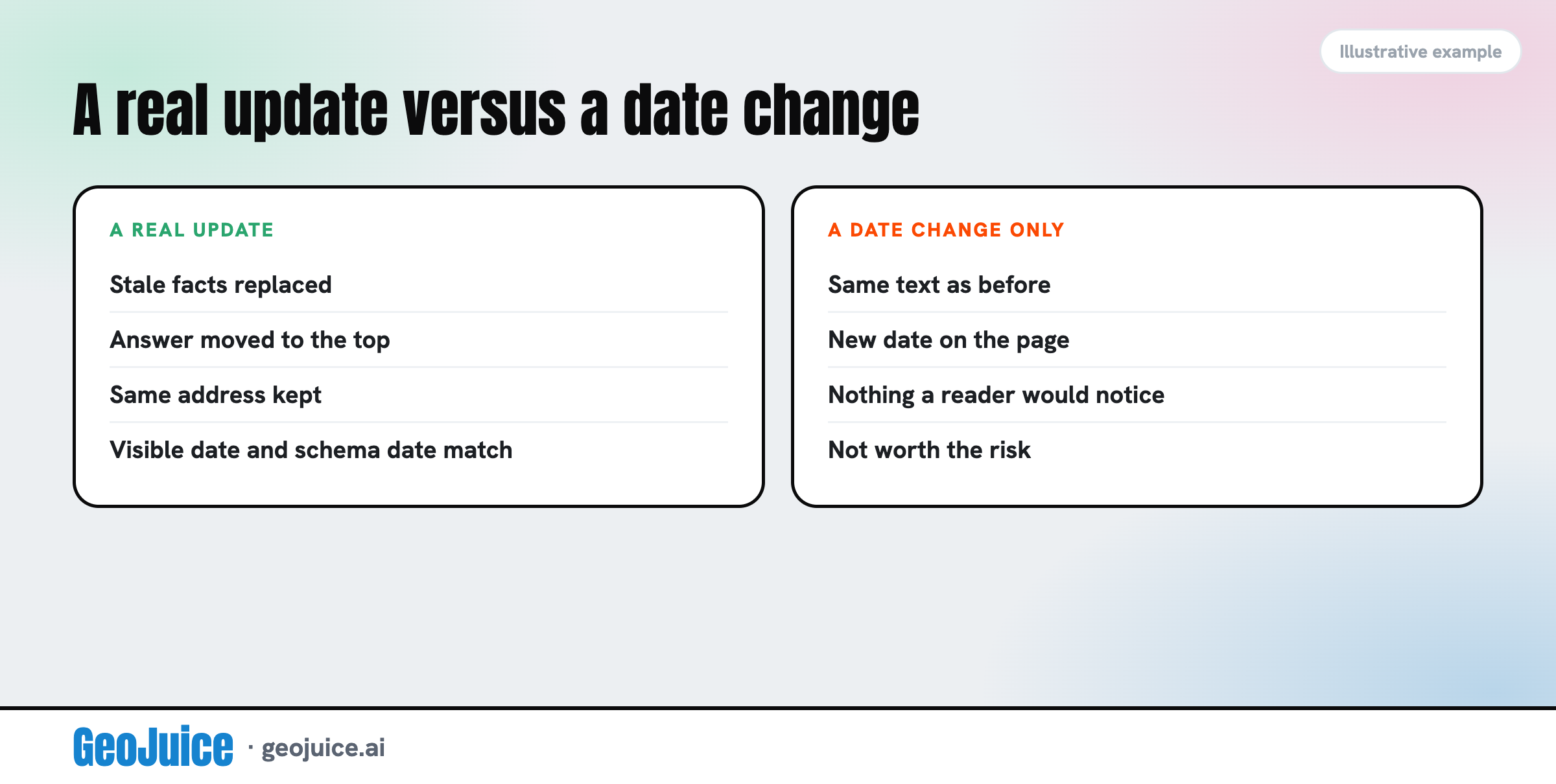
Show the original publish date and add an updated date that moves only after an edit a reader would notice. Make the visible date match the date in your Article schema, the code that labels the page. Schema alone does not appear to raise citations, but a mismatch between the two looks careless.
Ahrefs warns against changing the date alone. It quotes one search specialist who says Google can compare old and new versions of a page to tell a real change from a new timestamp.
5. Keep the same address, then re-test the AI questions you track
Edit the page in place. Its address keeps the links and history it has earned, and engines already know where to find it.
Then re-run the same prompts you used before, with the same setup. If you have no baseline yet, build one first with how to benchmark whether AI names your brand. Wait until engines have had time to re-crawl the page, meaning send their bots back to read it again, which can take days to weeks, and compare the whole set, not a single answer.
After the update: check the page again and measure the change
Re-scan with your free GeoJuice scan to check that your site's readiness signals have not slipped. Then pick the one page from your log that loses most often, update it this week, and re-ask its questions after two weeks.
Should my sitemap date change when I update a page?
Yes. A sitemap is the file that lists your pages for crawlers, and each entry can carry a lastmod date. Set it to the same date as the visible updated date, so every date a crawler can read agrees.
How often should I update a page?
When a fact on it changes, not on a fixed calendar. A quarterly look at your most important pages is a useful reminder to check, but edit only what is out of date. No engine publishes a refresh schedule.
What if the whole topic of a page has changed?
Write a new page for the new topic and link the old page to it, so readers who land on the old one can follow. Overwriting an old page with a different topic leaves earlier links pointing at an answer they did not mean.
What if engines still ignore my updated page?
First check that robots.txt (the file that tells crawlers which pages they may read) or a firewall rule is not blocking crawlers such as OAI-SearchBot, PerplexityBot or Googlebot, since a blocked crawler never sees the edit. Bot names change, so confirm them in each vendor's documentation. Then check that your new text is visible on the page and not hidden in a script. If both are fine, the gap is probably on other sites.
Can someone update my old pages for me?
Yes. GeoJuice also offers done-for-you GEO, which carries out the fixes the scan points to. Re-scan afterward to see how your GEO score changes.
Steven Arevalo · Founder of GeoJuice
Steven is the founder of GeoJuice, the free GEO audit that shows how ready a website is to be cited by AI answer engines. An AI strategist at Lustra Labs, Steven previously consulted for Google Cloud, Waymo and Twitter, and founded Obituare.com, acquired in 2023.
Get new GEO guides by email.
One short email when a new guide is published. Unsubscribe any time.
Does your site have the juice?
Run a free audit and see your GEO Index in 30 seconds.
Get your GEO score